


What Does “Hide Alert” Mean In Messages?
In this article, you’ll learn all about the “Hide Alert” feature. You…

How To Fix iPhone Screen Is Black [What To Do]
In this article, you’ll learn why your iPhone screen is black and…

Why Your iPhone Says “User Busy” and What It Means
In this article, we’ll break down the most common causes, offer quick…
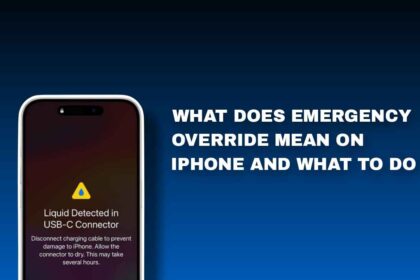
What Does Emergency Override Mean On iPhone And What To Do
In this article, you will learn what Emergency Override means. You will…
What Is The SSID Number? How To Find And Change it
SSID can be up to 32 characters long in name and that…
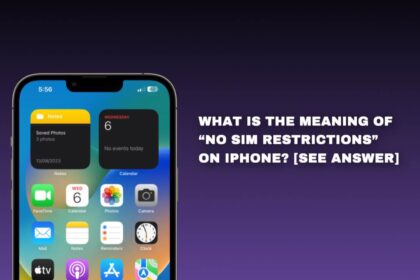
What Is The Meaning Of “No Sim Restrictions” on iPhone? [SEE Answer]
In this article, you will learn what the message “No SIM Restrictions”…
What is Mail Delivery Subsystem Emails And How To Stop It
In this article, you are going to learn what Mail delivery systems…

How To Password Protect Photos On Your iPhone & iPad [With Passcode]
In this article, you will learn how to password protect photos on…


How To Use Telegram Without Phone Number or SIM [2 Ways]
If you've thought of using Telegram without a phone number or SIM…

How To Turn OFF Camera on Your Mac Computer [The Right Way]
In this article, you'll learn how to turn off the camera on…

How To Turn Off Find My iPhone On Your Device [2 Ways To Do It]
The easiest way is directly through your Apple ID settings on the…


How To Free Up Internal Storage on Your Android Phone [5 Ways To Do It]
It’s a frustrating problem, but the good news is that it's almost…


How To Stop Automatic Updates In Your Windows 10 Computer [Using 2 Ways]
It can be quite annoying when your computer automatically downloads and installs…
What Does ‘Live’ Mean on Find My Friend On iOS? [See The Meaning]
In this article, we'll explore the meaning of the "live" status on…

How To Factory Reset Your Chromecast Device [Using Different Options]
If you're experiencing issues with your Chromecast device or simply want to…

How To Add Program To Startup In Windows 10 & 11 [Jump Start Apps]
This can be useful for programs that you use often, such as…
